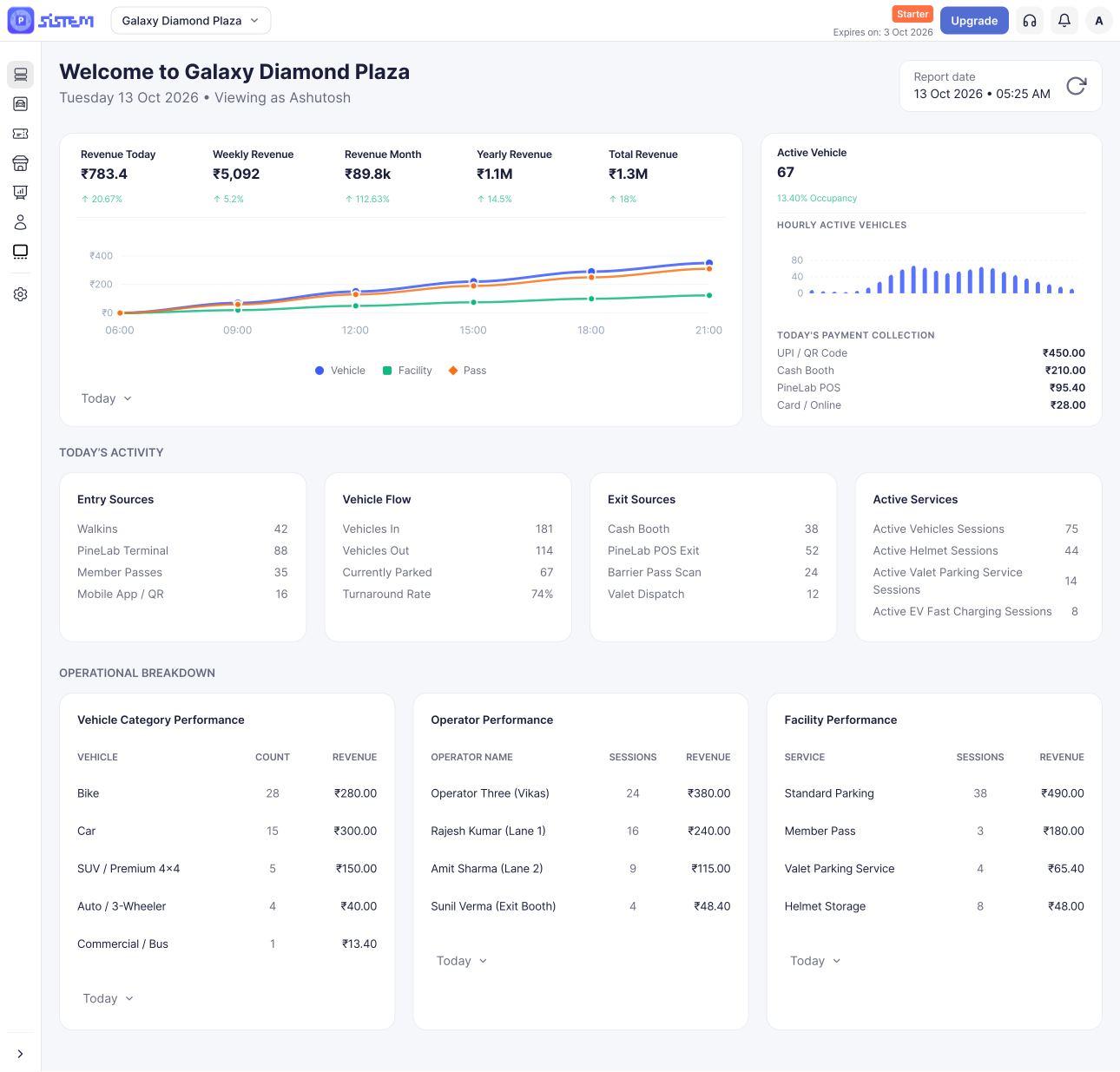



















































































Creating your organization and adding your first parking gets the structure in place but it doesn’t mean you’re ready to start accepting vehicles yet.
Going live means completing the setup SISTEM actually needs to run daily operations: track vehicles, calculate charges, and process payments. Until that’s done, your parking exists in SISTEM, but it isn’t operational.
This article tells you exactly what’s required before you go live, and what can safely wait.
What’s Essential vs. What Can Wait
Not everything needs to be set up on day one.
| Requirements | Description |
|---|---|
| Required before going live | Organization setup, your parking, vehicle types, and parking rates |
| Optional – add anytime | Passes and facilities |
Parking rates are the one thing every parking needs, because without them, SISTEM has no way to calculate what a customer owes. Passes and facilities, on the other hand, don’t apply to every parking, a mall might offer EV charging and monthly passes, while a small residential lot might need neither. Add them whenever they’re relevant to how you operate.
Before You Go Live
1. Organization Setup
This is the foundation your parking relies on.
- Branding — Your logo and branding, used across your SISTEM experience.
- Team members — The people who’ll manage or operate your parking, invited with the right roles and permissions.
- Taxes — The tax rules SISTEM should apply when calculating charges.
- Payment methods — How you’ll collect payments. Set at the organization level, these can apply across all your parkings, though individual parkings can also have their own if needed.
2. Parking Setup
Once your organization is ready, this is what makes your parking actually operational.
- The parking itself — Created, with its basic details filled in.
- Vehicle types — The types of vehicles your parking supports.
- Vehicle capacities— The capacity of each vehicles type your parking supports.
- Parking rates — What you charge for each vehicle type. This is the step that turns a parking from “created” into “ready to run.”
Once these are in place, SISTEM has everything it needs to manage sessions and payments, you’re ready to go live.
What You Can Add Later
These aren’t required to go live, and you can configure them whenever they become relevant:
- Passes — Recurring or authorized access for customers, employees, members, or other regular users.
- Facilities — Extra services at the parking, like EV charging or lockers.
Skipping these for now won’t stop your parking from operating — you can add them at any point without disrupting what’s already running.
What Happens When You Go Live?
With the essentials in place, your parking can start handling real, day-to-day activity:
- Vehicle entries and exits
- Parking sessions
- Live sessions
- Payments and transactions
Going live isn’t the finish line; it’s the point where your parking starts running. You can keep building on top of it as your needs grow.
Next Steps
- Manage daily operations — Start recording entries, exits, sessions, occupancy, and payments.
- Add passes — Set these up once you need recurring or authorized access.
- Add facilities — Configure any additional services your parking offers.
- Review your setup over time — Rates, payment methods, and team access can all be updated as your parking evolves.