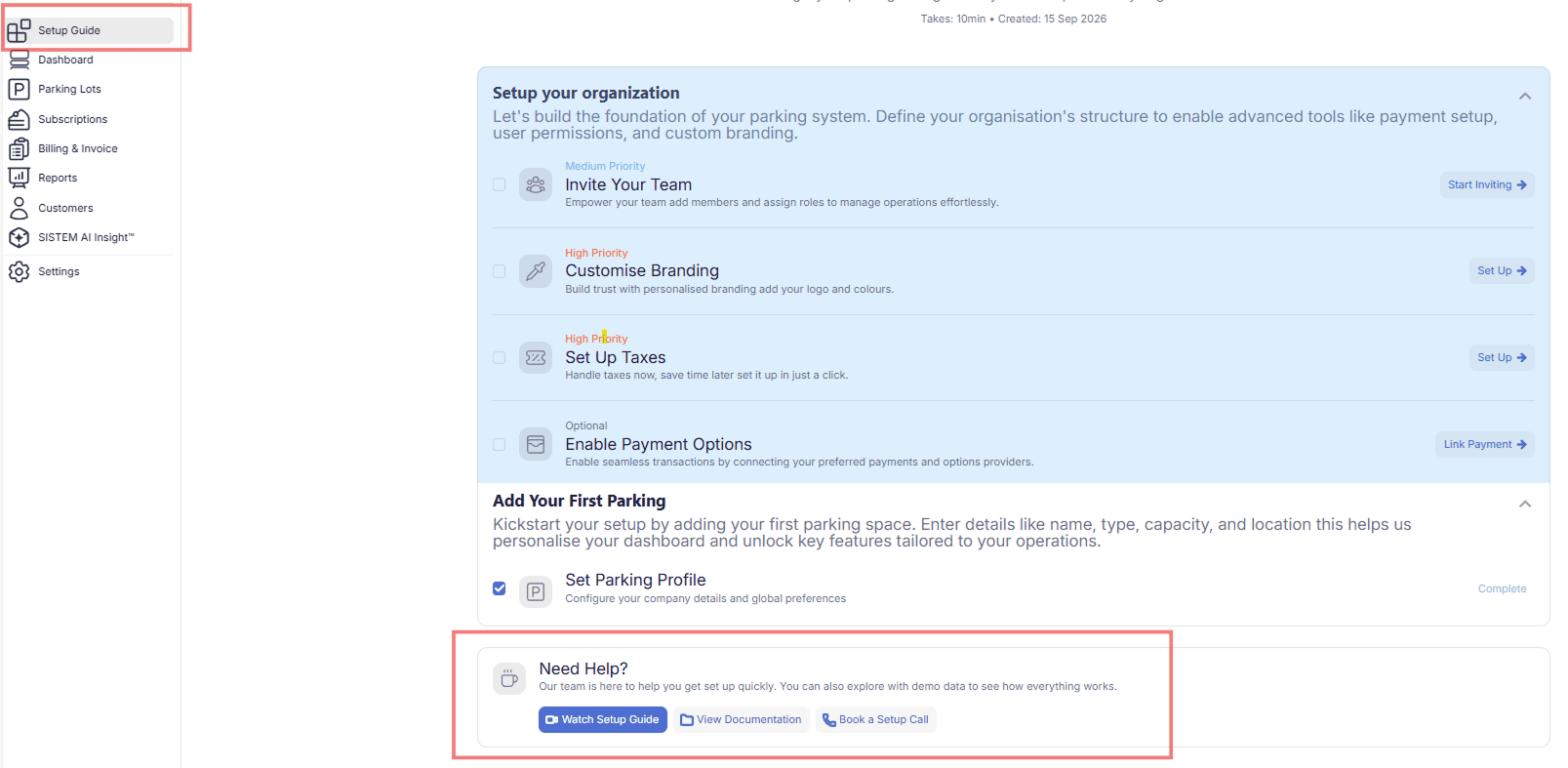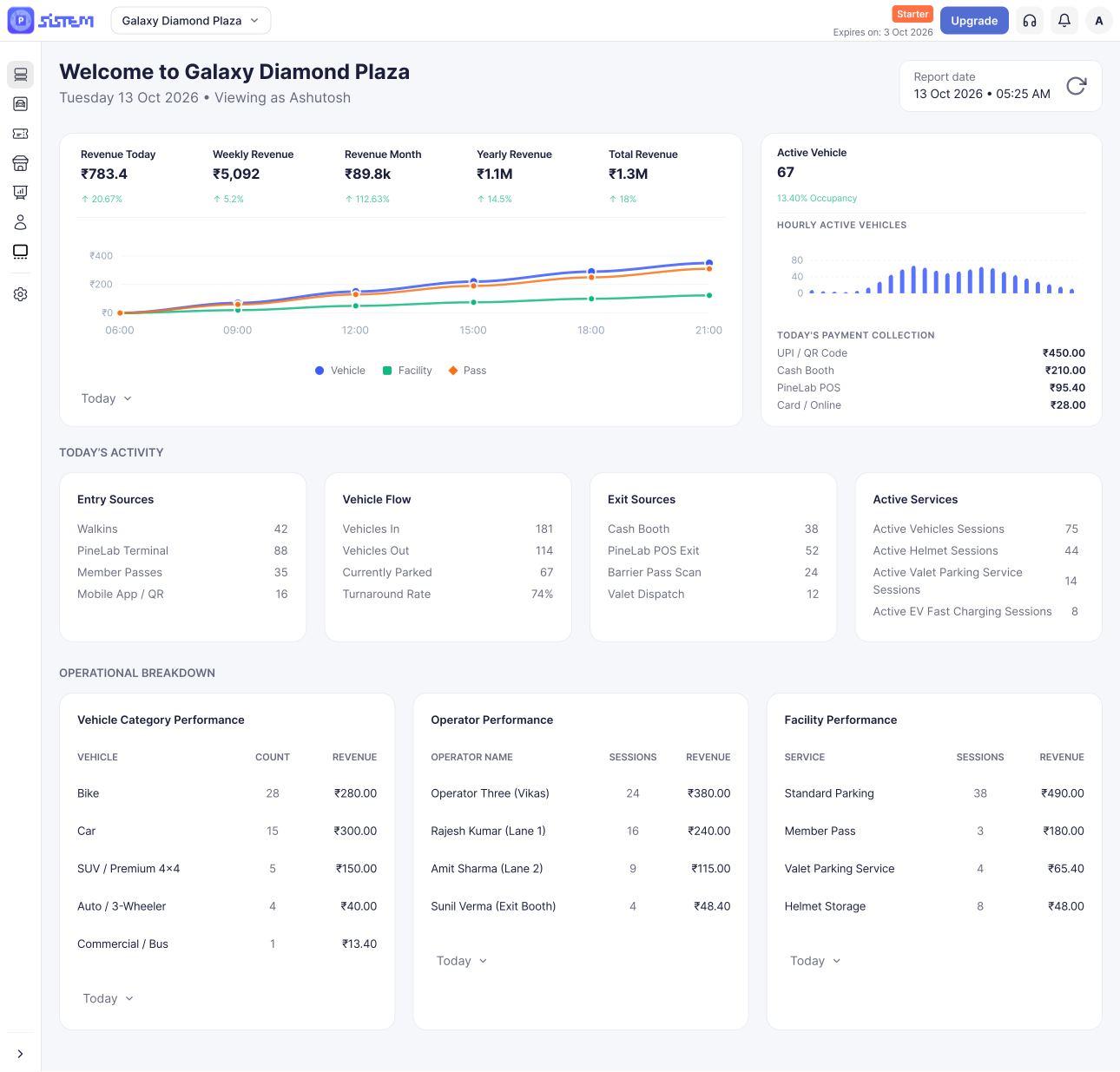



















































































Before you create your first parking, let’s set up your organization. Your organization is the foundation of your SISTEM account — it holds the settings and information that your parking locations will rely on.
You only need to do this once. After your organization is set up, you can add and manage as many parking locations as you need under it.
Taking a few minutes to complete your organization setup now helps keep your team access, branding, taxes, payments, and billing consistent across every parking you add later.
What You’ll Set Up
This guide walks you through two steps:
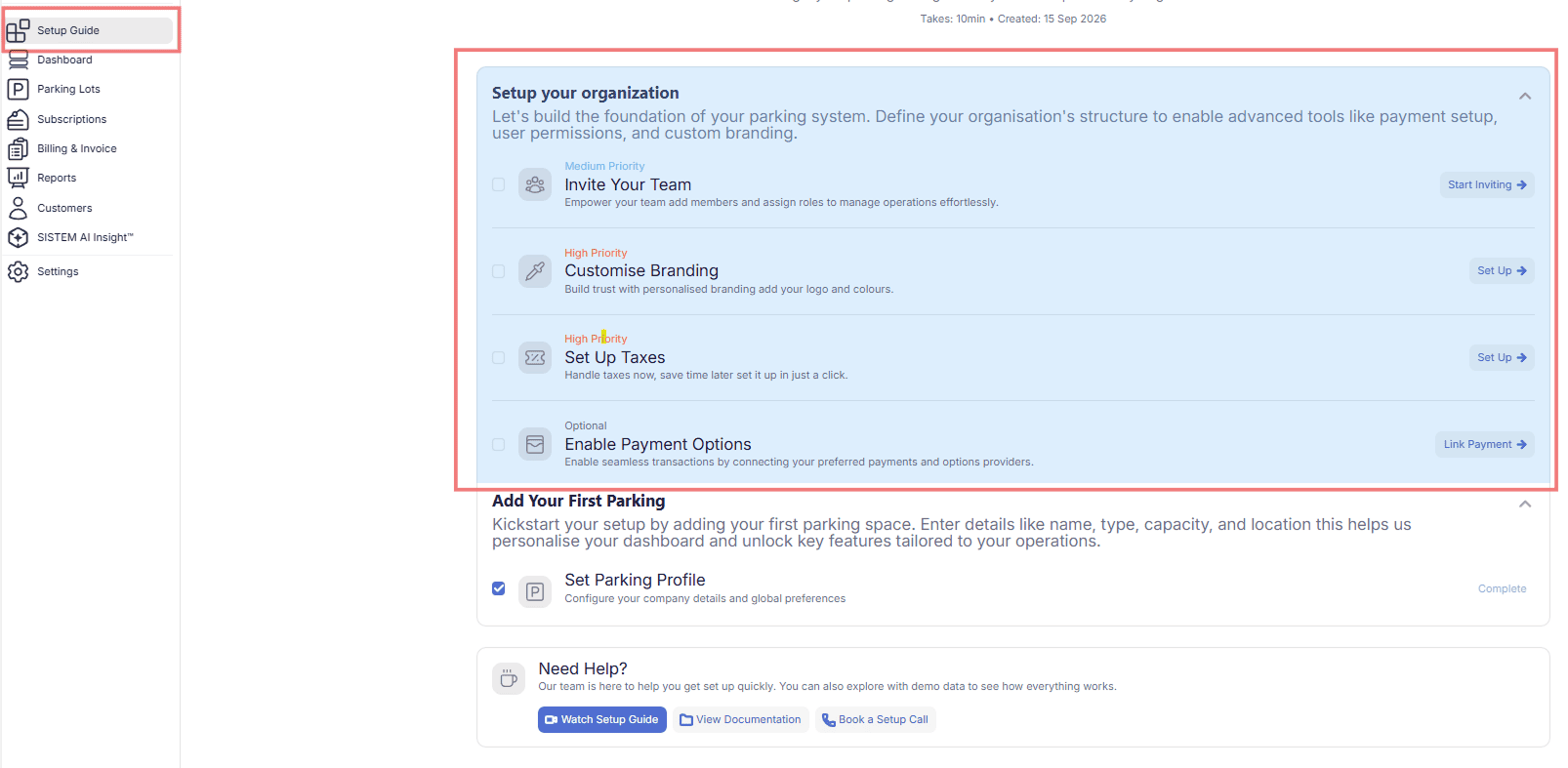
Step 1: Set Up Your Organization
Start here, before creating a parking. These settings define what will be available to you when you configure your parking locations.
- Invite team members — Add the people who need access to your account, and assign them a role based on what they’ll be doing.
- Customize your branding — Add your logo and branding details so your SISTEM account feels like yours.
- Configure parking taxes — Set up the taxes your organization uses, so they’re ready to apply when you configure a parking.
- Add payment options — Set up how you’ll accept payments, so these options are ready when you set up a parking.
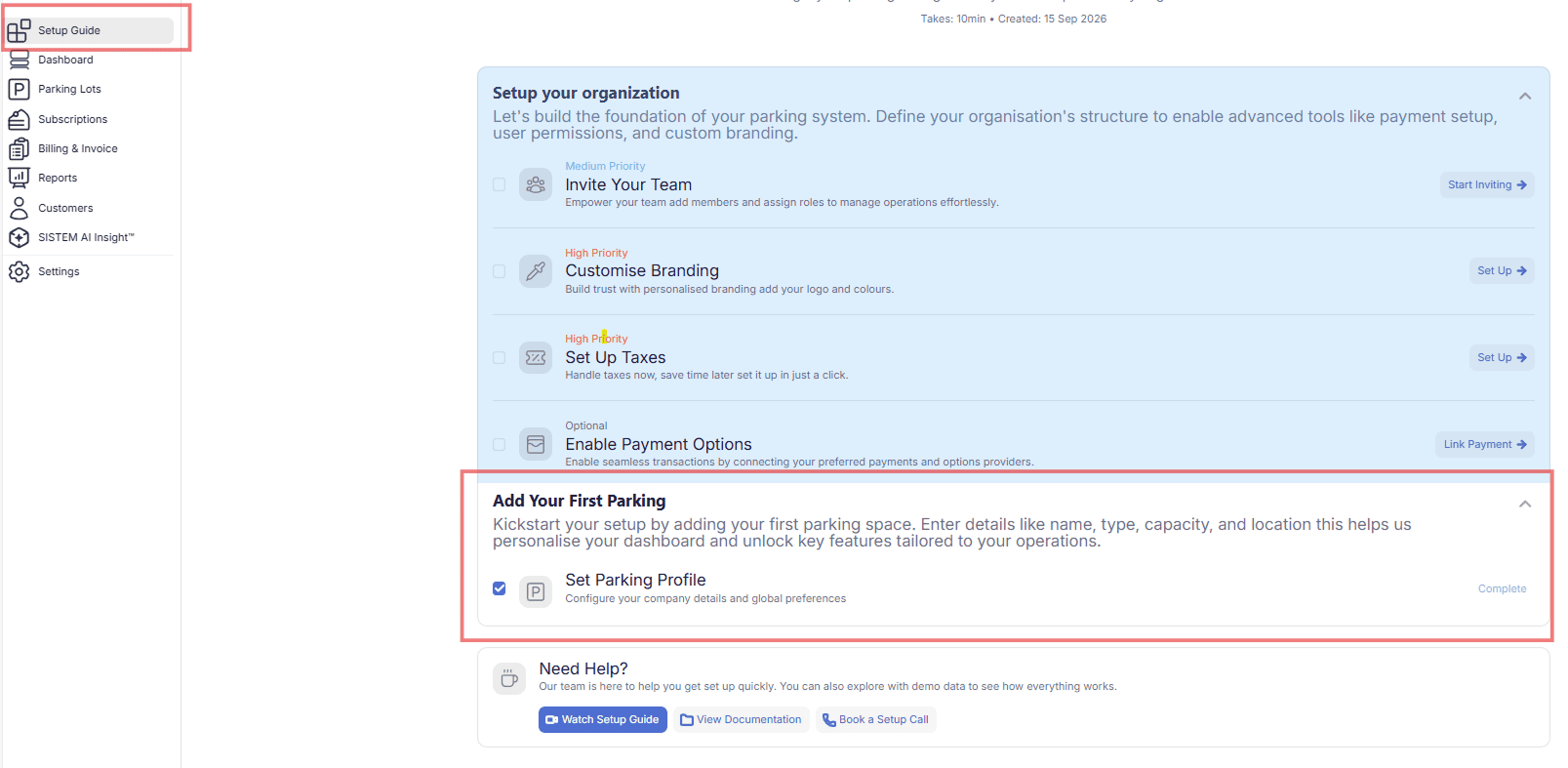
Step 2: Create Your First Parking
Once your organization is ready, create your first parking and configure the settings specific to that location.
- Create your first parking — Add your parking and set up its basic information and operational settings.
How Organization Settings Affect Your Parkings
Your organization settings act as the foundation for every parking you create. Some of them — like taxes and payment options — become available to use directly when you set up a parking, so you won’t need to enter the same information twice.
This is why it’s worth reviewing your organization settings carefully now, and making sure they reflect how your business actually operates, before you start adding parking locations.
Why Set Up Your Organization First?
Doing this first makes everything after it easier:
- Your information stays consistent across all your parking locations
- Your team already has the right access before operations begin
- Taxes and payment options are ready to use the moment you set up a parking
- Your branding stays consistent throughout your SISTEM account
- You avoid re-entering the same details every time you add a new parking
Once this is done, you’re ready to create your first parking and start configuring the settings specific to that location.
Watch the Setup Guide
Follow along with the setup guide videos to see exactly how to configure your organization and create your first parking in SISTEM.